

Switching to Linux for a Mediacenter and Gaming PC.
I’ve been on the fence for a while, but the last Windows machine in our house now runs Linux. There have been annoyances for a long time, but with Windows 10 being end of life, and the upgrade tool telling me my system didn’t meet the minimum requirements for Windows 11, this was the perfect moment. This machine is mainly used for gaming by myself and the kids, and as a mediacenter to play web radio and act as a photo frame.
Problems with Windows
The annoyances with Windows had been piling up for a while. Don’t want to use the Microsoft cloud? How about Edge? Just link your email address to your Microsoft account! Can we also use your data for ads?
When you download a program as an .exe file, it’s often automatically deleted by a virus scanner “for your own safety”. Also, there’s always a hassle with updating tools like VLC, Notepad++, and qBittorrent. On Linux systems, you upgrade all your programs with a single command or click, thanks to the package manager.
Gaming, the main reason to use Windows?
For a long time, the consensus was that gaming worked best on Windows, and that gaming on Linux was a lot of hassle. I still remember how much effort it took to get a Windows game running properly with Wine. The combination of Steam+Proton makes it incredibly easy to install games. This has been possible for a few years, but since the introduction of the Steam Deck, the popularity of Proton has exploded. I haven’t encountered any problems yet. Epic Games’ titles also run well. I was also surprised that all my controllers (Xbox One, 8BitDo Ultimate 2C) worked directly out-of-the-box. On Windows, it sometimes took some effort to keep that connection stable.
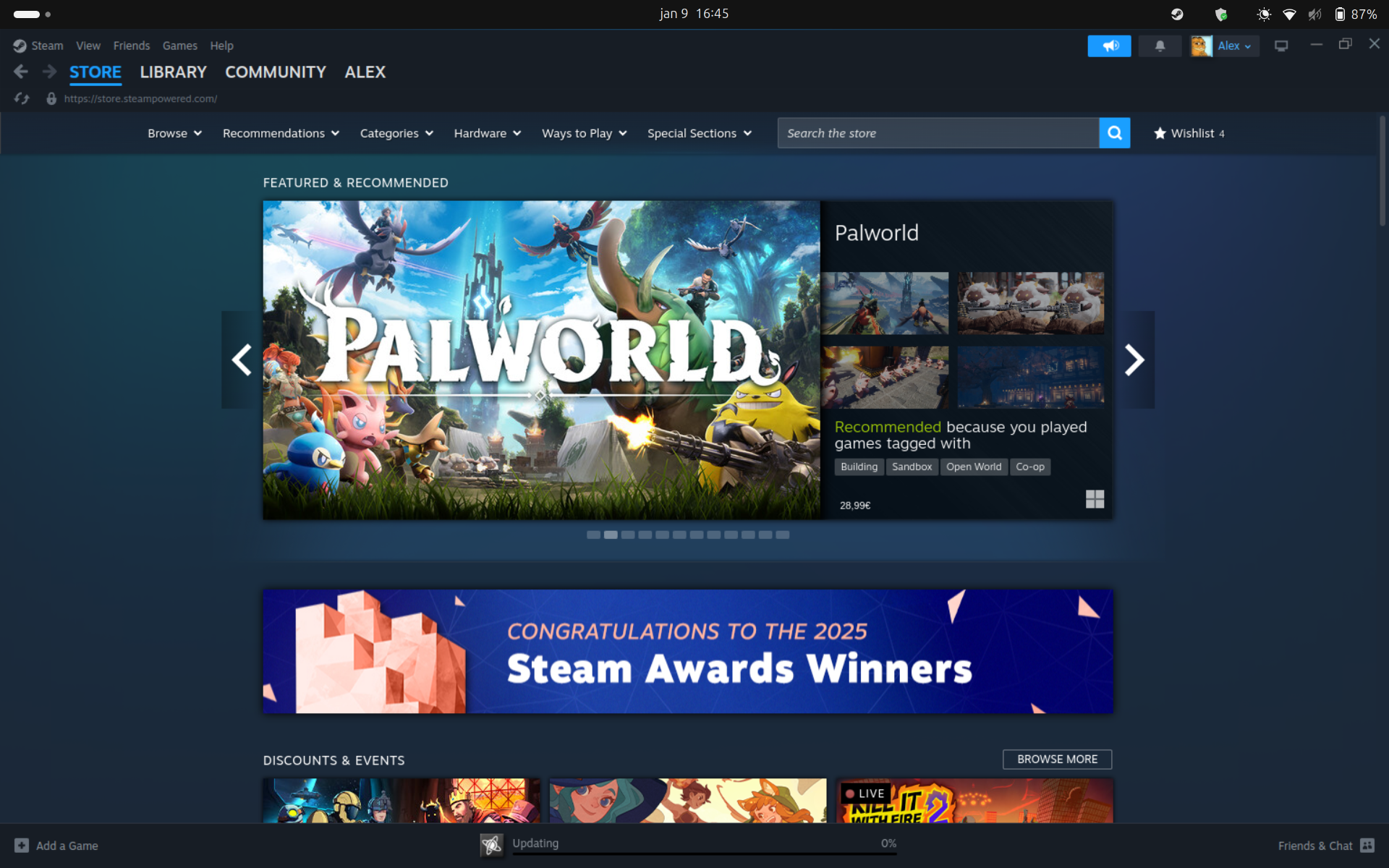
Steam looks the same on Linux
Mediacenter
I’ve always used Kodi as a mediacenter. On Windows, it ran reasonably well, but installing plugins was quite a pain. The installation itself was pretty easy. With Kodi, you can watch movies and TV series you’ve ripped from your DVDs, or watch live TV via YouTube or a “catch-up TV” plugin like Retrospect. There is also an Android app to control the mediacenter called Yatse.
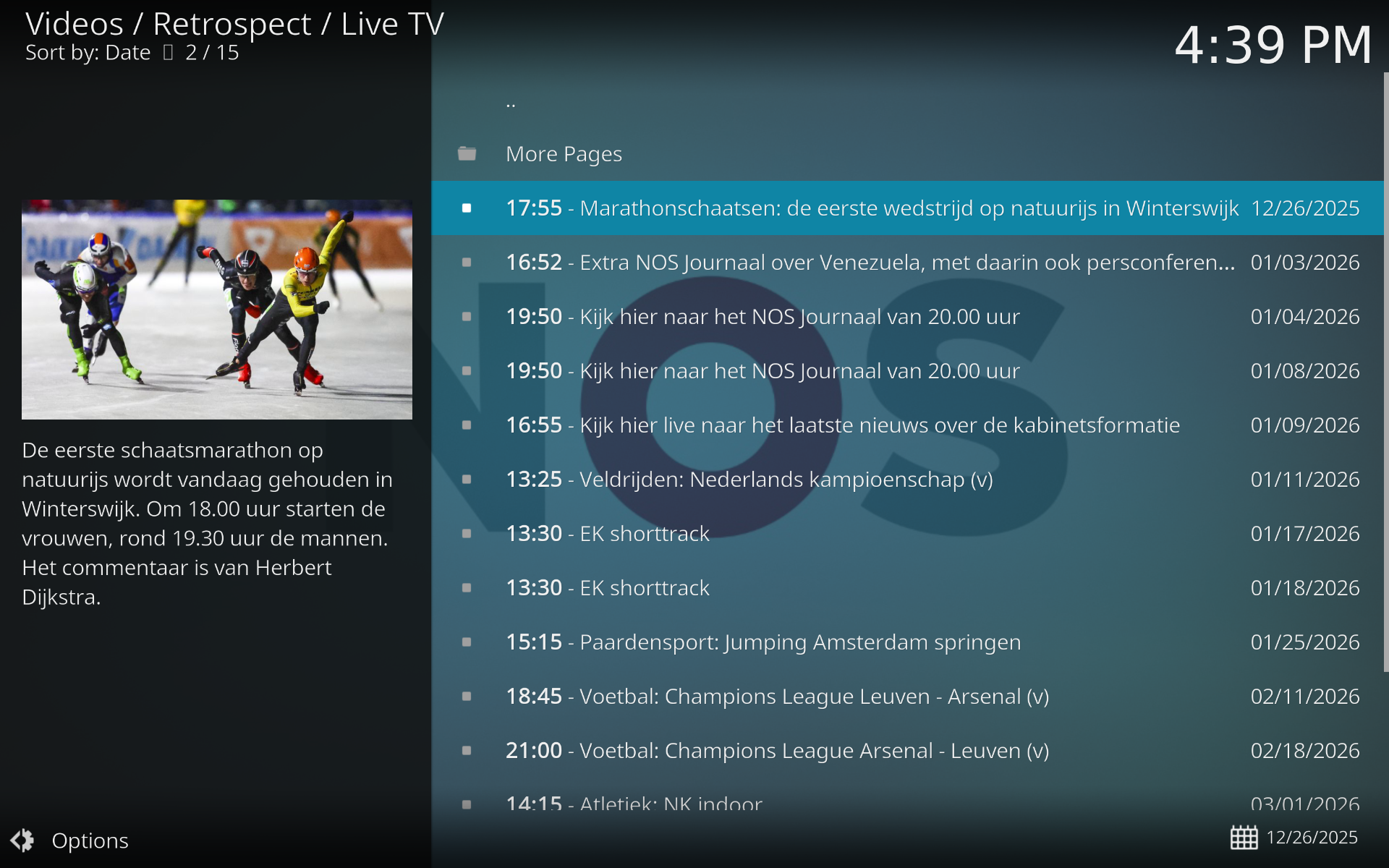
Live TV via Retrospect
Managing screen time
This proved to be a challenge. Windows has built-in parental controls, making it possible to block apps and sites, and to track screen time. On Linux, this is a lot less straightforward. I opted for Timekpr-nExT, an open-source tool that allows you to track time per user. I would only recommend it if you have some technical knowledge and aren’t afraid to use a terminal. To manage screen time from a phone, I used timekpr-next-remote, but it took some time to get it working, and it’s not nearly as comprehensive as Microsoft’s parental controls.
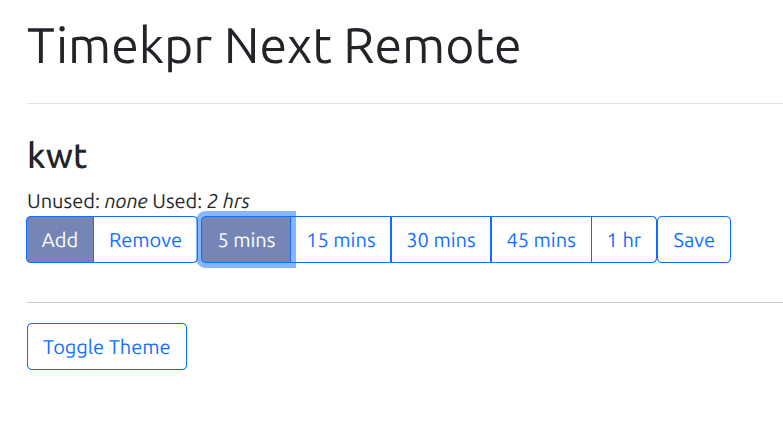
Timekeeper next remote is very basic.
Other advantages
- Linux is free, and respects the user’s freedom and privacy.
- Logging in via SSH to change configurations is very easy. If someone else is logged in and using the screen, you can still adjust things from another device in the meantime.
- Running web apps on Docker.
Which Linux?
If you’re also considering the switch, there are many different options. The Linux distribution I’m using is Ubuntu. Not the sexiest, but it’s the one I have the most experience with. For beginners, Mint, Pop!_OS, or the newcomer Zorin OS are often recommended. Zorin can even be configured to look strikingly similar to Windows or macOS. I don’t use Arch, by the way.
Conclusion
So, was the switch worth it? Absolutely. For the things I use the computer for the most: gaming and media, everything works perfectly. Gaming with Steam, Proton, and Epic is no longer a hassle, and all the controllers worked right away. Kodi runs like a charm and is now much easier to update.
The only downside? Setting up screen time for the kids was a bit of a puzzle. That’s more easily arranged on Windows.
But that single issue doesn’t outweigh the advantages. Finally having that control back, no more nagging about accounts and ads, and updating everything with a single command. If you’re also hesitating to switch over your gaming PC or mediacenter, I’d say: just do it.